 Cadence
Your school week, planned.
Cadence reads Google Classroom and your calendar, ranks what’s due, and fits study time into the hours you actually have.
$10 a month. Requires a Mac running macOS 27 or later.
Three jobs, done quietly.
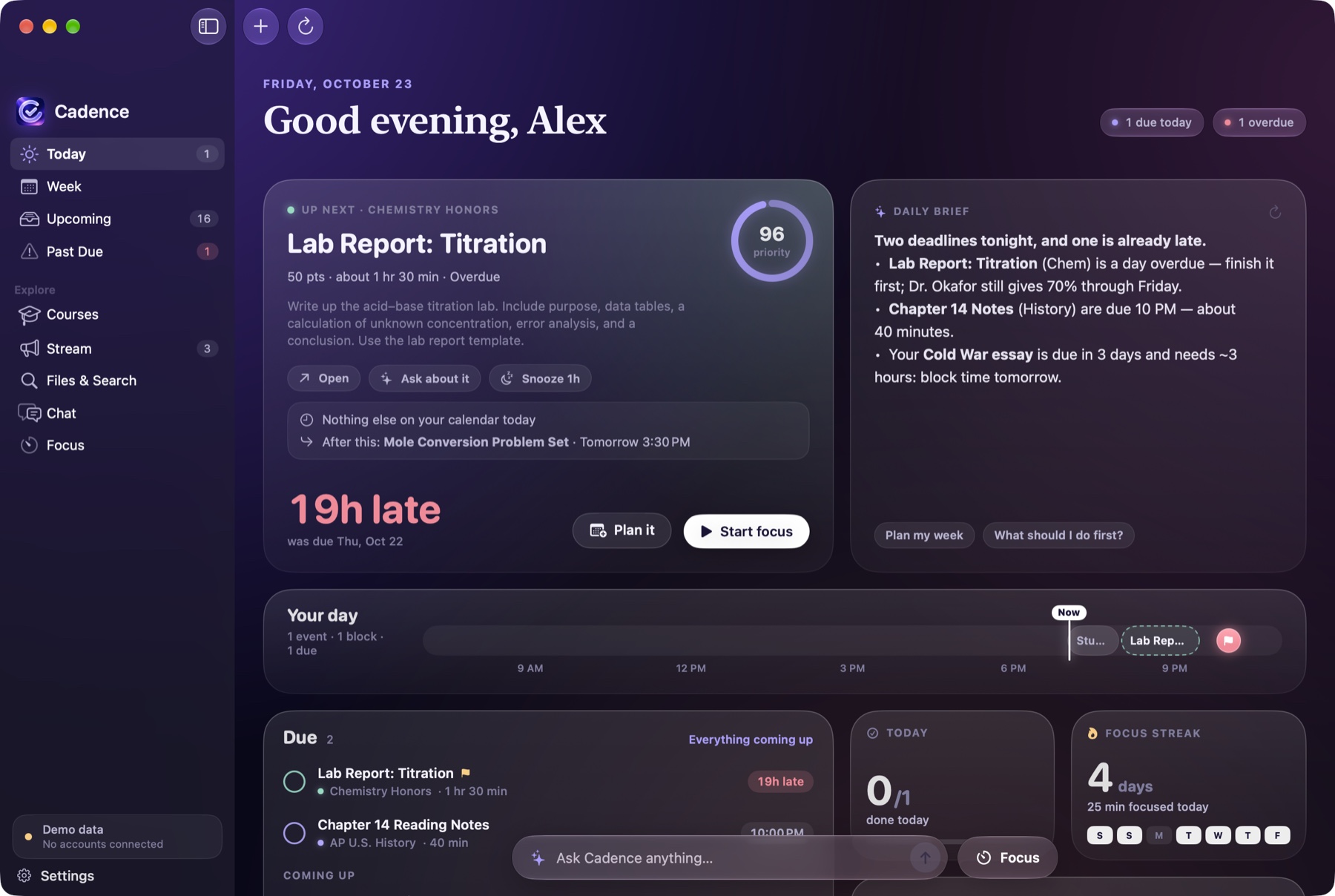
It knows what’s due.
Cadence syncs your classes, assignments and grades from Google Classroom, plus your Google or Apple Calendar and your tasks, and keeps them current in the background.
It tells you where to start.
Work is ranked by due date, point value and how long it should take. Each morning a short brief says what’s due, what’s at risk and what to do first.
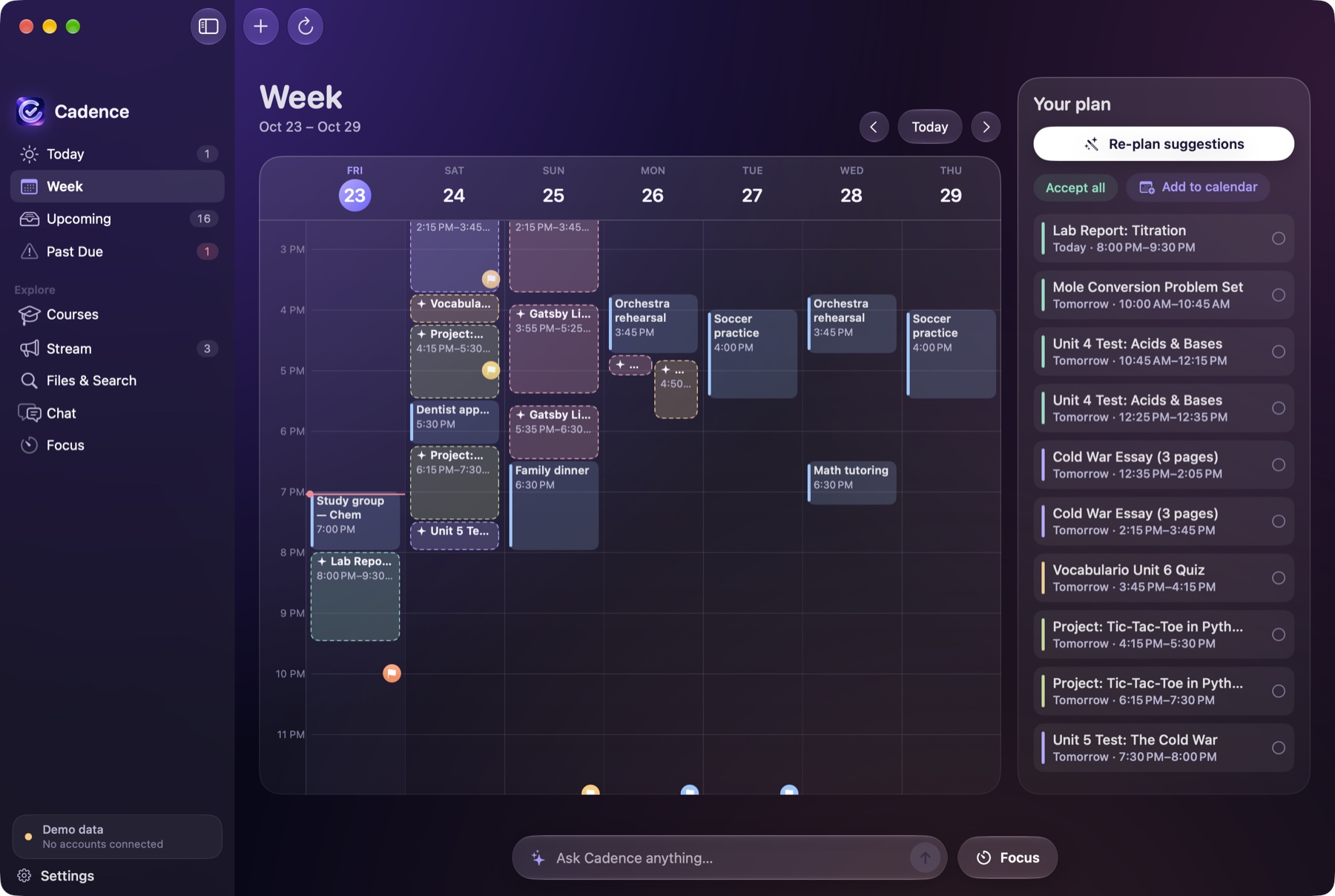
It plans your week.
Study blocks go into the free time between class, practice and everything else, ahead of each deadline. Nothing reaches your calendar until you approve it.
A plan that respects your calendar.
Cadence finds the open hours in your week and places study blocks ahead of each deadline, biggest and most valuable work first. You review the plan, change what you like, and send it to Google Calendar or Apple Calendar.
- Your classes, assignments and grades are stored on your computer, not on our servers.
- Access to Classroom is read-only. Cadence can’t turn in or change your work.
- Calendar events, tasks and reminders are suggestions. Nothing is created until you approve it.
- Cadence never sends email, and your questions are never used to train AI models.
$10 a month. One plan, everything included.
Cancel any time. If Cadence isn’t right for you, you’ll get a full refund within 14 days of your first payment.